
Technology help you can trust.
Personal, patient, and affordable technology support for your home. No confusing jargon. No unnecessary services. Just honest help — in-home or remote, anywhere in Los Angeles County.
Honest Recommendations
You'll only ever be offered the services you actually need — explained in plain language, never upsold.
Fair, Transparent Pricing
Clear pricing you agree to before any work begins. No surprises, no confusing line items.
Patient, Judgment-Free Help
No question is too basic. Whether it's a fix or a lesson, you'll be treated with patience and respect.
Friendly tech help, without the runaround.
TekHeadz provides friendly, honest, and affordable technology support for everyday people — from computer setup and troubleshooting to Wi-Fi, printers, and one-on-one lessons. The goal is simple: explain the problem in plain language, recommend only what you actually need, and charge a fair price.

Jerry Reyes-Corea
Founder, TekHeadz — U.S. Army Veteran
My background in the U.S. Army taught me that service is about more than simply getting the job done — it's about taking care of people, solving problems, and being someone others can depend on. After serving my country, I wanted to keep serving my community in a different way. Technology has always been something I enjoy, but what I enjoy even more is helping people understand it. That's why I started TekHeadz: patient, honest help, fair pricing, and no one made to feel embarrassed for asking a basic question.
Call or Text JerryHelp with the technology you use every day.
In-home or remote support for computers, phones, Wi-Fi, printers, and more — explained in plain language, with clear pricing before any work begins.
Computer Setup & Support
New computer setup, software installation, updates, cleanup and optimization, and troubleshooting for slow or misbehaving PCs.
01Data Transfer & Backup
Move files, photos, and documents from your old computer to a new one — and set up backups so nothing important is ever lost.
02Wi-Fi & Home Networking
Router setup, Wi-Fi troubleshooting, extenders and mesh networks, and getting every device in your home connected reliably.
03Printers & Home Devices
Printer and scanner setup, wireless printing, monitors, webcams, smart TVs, streaming devices, and basic smart-home gadgets.
04Phone & Tablet Assistance
New device setup, email and apps, photo transfers, cloud backup, and connecting your phone or tablet to your other devices.
05Email & Online Accounts
Email setup, account recovery guidance, password managers, two-factor authentication, and browser organization.
06Online Safety & Security
Security checkups, antivirus setup, malware removal, scam and phishing awareness, and basic home Wi-Fi security.
07Remote Tech Support
Many problems can be fixed without a visit — remote troubleshooting, software help, and guided support from the comfort of home.
08Computer Setup & Support
New computer setup, software installation, updates, cleanup and optimization, and troubleshooting for slow or misbehaving PCs.
01Data Transfer & Backup
Move files, photos, and documents from your old computer to a new one — and set up backups so nothing important is ever lost.
02Wi-Fi & Home Networking
Router setup, Wi-Fi troubleshooting, extenders and mesh networks, and getting every device in your home connected reliably.
03Printers & Home Devices
Printer and scanner setup, wireless printing, monitors, webcams, smart TVs, streaming devices, and basic smart-home gadgets.
04Phone & Tablet Assistance
New device setup, email and apps, photo transfers, cloud backup, and connecting your phone or tablet to your other devices.
05Email & Online Accounts
Email setup, account recovery guidance, password managers, two-factor authentication, and browser organization.
06Online Safety & Security
Security checkups, antivirus setup, malware removal, scam and phishing awareness, and basic home Wi-Fi security.
07Remote Tech Support
Many problems can be fixed without a visit — remote troubleshooting, software help, and guided support from the comfort of home.
08Learn your devices at your own pace.
One-on-one lessons for anyone who wants to feel more confident using a computer, phone, or tablet. Book by the hour or save with a lesson package — in your home or remotely, in English or Spanish.
What you can learn
- Computer basics for beginners
- Navigating Windows
- Organizing files and folders
- Email basics
- Internet and web browsing
- Word, Excel, PowerPoint & Outlook
- Zoom and video calling
- Smartphone and tablet basics
- Cloud storage and backups
- Password management
- Online safety and avoiding scams
- Social media basics
Don't see what you need? Lessons can be fully personalized around whatever you'd like to learn.
Hourly lessons or packages
Book a single hour to tackle one thing, or choose a multi-session package to build real confidence step by step. We go at your pace, repeat anything you'd like, and never make you feel rushed or embarrassed.
- One-on-one, in-home or remote
- Plain language — no jargon
- Great for beginners, families & seniors
- Available in English and Spanish
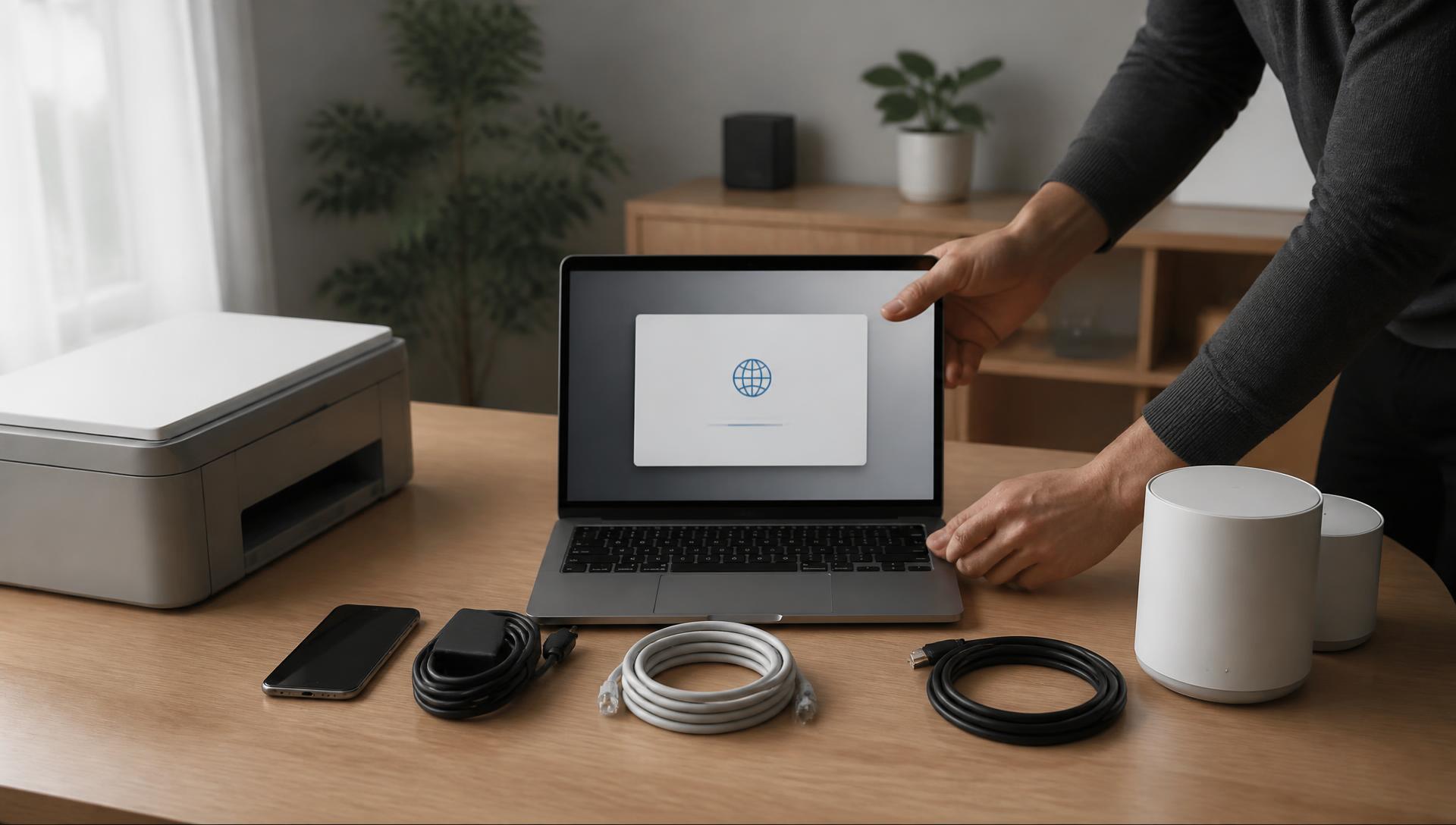
The TekHeadz promise, every single visit.
Honest recommendations, clear explanations, fair pricing — and you'll never be pressured into buying services you don't need.
Reach Out
Call, text, or send a message describing what's going on. You'll get a real person — not a ticket system.
Get a Clear Answer
We explain what's wrong in plain language and give you an honest recommendation and a clear price before any work begins.
We Fix It — In-Home or Remote
Many issues can be solved remotely. When hands-on help is needed, we come to you anywhere in Los Angeles County.
You're Never Left Guessing
We show you what was done, answer every question, and follow up — and if a problem is beyond our scope, we say so instead of charging you.
Clear pricing, agreed to up front.
You'll always know the price before any work begins — no hourly surprises, no confusing line items, and no pressure to buy services you don't need. Rates are shared when you reach out, based on what you actually need.
In-Home Support
Hands-on help at your home, anywhere in Los Angeles County.
Fair flat rate
Quoted before any work begins
- Computer setup & troubleshooting
- Wi-Fi, printer & device setup
- Data transfers & backups
- Honest fix-it-or-replace advice
Remote Support
Fast help without a visit — many issues solved the same day.
Fair flat rate
Quoted before any work begins
- Remote troubleshooting & cleanup
- Software & email assistance
- Virus and malware removal
- Guided step-by-step support
Tech Lessons
One-on-one lessons by the hour or in money-saving packages.
Fair flat rate
Quoted before any work begins
- Computer & smartphone basics
- Email, Zoom & video calling
- Online safety & scam awareness
- Personalized lesson plans
What getting help from TekHeadz feels like.
We're just getting started — these example reviews show the kind of experience every TekHeadz customer can expect.
"Jerry set up my new laptop and moved everything over from the old one. He explained each step and never made me feel bad for asking questions."
Maria G.
Home computer customer — East Los Angeles
"My Wi-Fi had been dropping for months. One visit and everything works — TV, printer, phones. Fair price, no upselling."
Robert T.
Wi-Fi & network customer — Pasadena
"I bought a lesson package for my mom. She's now emailing, video calling the grandkids, and spotting scam emails on her own."
Denise L.
Tech lessons customer — Glendale
Answers to the questions we hear most.
Everything you might want to know before asking for help — and remember, no question is too basic.
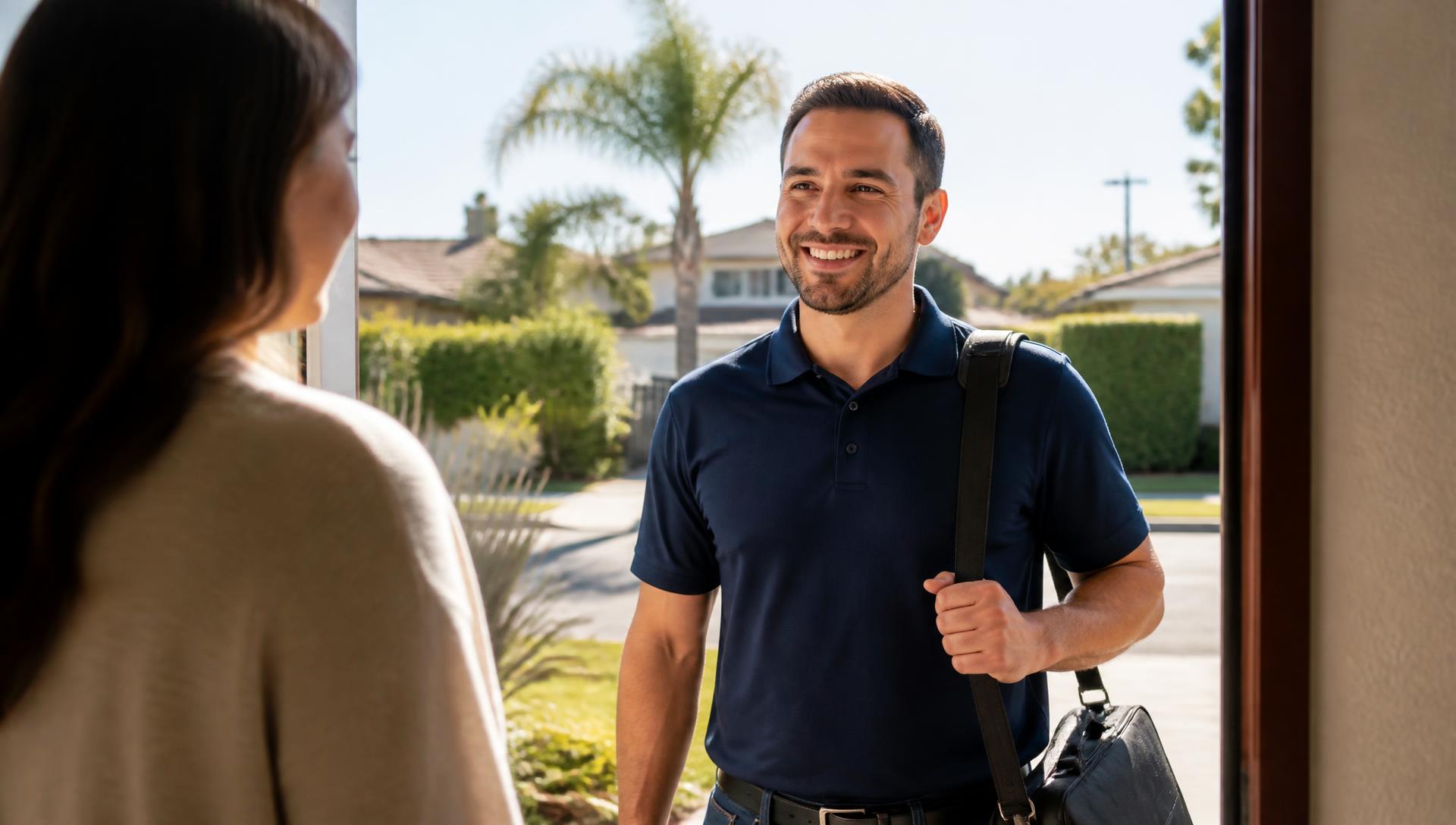
Let's get your tech working again.
Tell us what's going on and we'll let you know whether it can be handled remotely or needs a home visit — plus a clear price before anything begins. No pressure, no obligation.
Call, Text, or Email
Talk to a real person — usually the same day.
Online booking is coming soon. For now, reach out directly and we'll confirm a time that works for you. Serving all of Los Angeles County — se habla español.
- Phone
- (213) 425-6873
Ask us anything — no question is too basic.
Tell us what's going on and we'll follow up to confirm a time for in-home or remote help, or a one-on-one lesson.
jerryreyescorea18@gmail.com
Call or Text
(213) 425-6873
Service Area
Los Angeles County — in-home & remote
English & Spanish · Se habla español